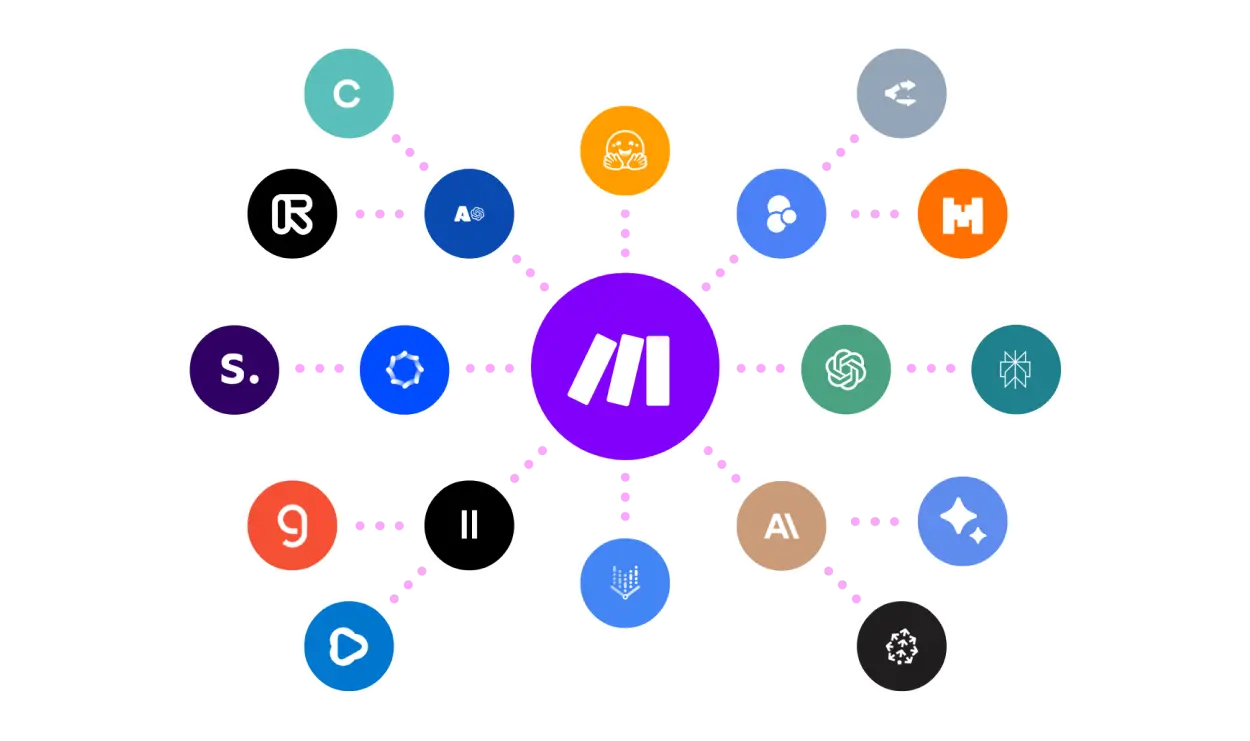
A new donor signup, a grant application submission, and a volunteer registration often need to land in three different systems: a CRM, a spreadsheet, and an email tool. Doing that by hand every time wastes staff time that could go toward program work. Make.com connects those systems so data moves automatically between them.
What Make.com does
Make.com (formerly Integromat) is a visual automation platform connecting over 3,000 apps without requiring code. Workflows, called scenarios, are built by dragging and connecting modules on a canvas, letting non-technical staff automate multi-step processes across the tools an organization already uses.
Key features
- Visual scenario builder: connect apps and define logic on a drag-and-drop canvas rather than writing code.
- 3,000+ app integrations: connect CRMs, spreadsheets, email tools, forms, and payment processors from one platform.
- Routers and filters: branch a workflow based on conditions, such as routing a donation confirmation differently by amount or region.
- Scheduled scenarios: run automations on a recurring schedule, such as a weekly donor report compiled automatically.
- Execution logs: review exactly what happened in each automation run, useful for troubleshooting a failed data sync.
- API access: connect custom or less common tools that don’t have a pre-built integration (Core plan and above).
Pricing
Make.com prices by monthly operation credits, with annual billing offering savings across paid tiers.
| Plan | Price (10k credits/mo) | Best for |
|---|---|---|
| Free | $0 (1,000 credits/mo) | Testing basic automations with up to 2 active workflows |
| Core | $12/month | Small teams needing unlimited active workflows and API access |
| Pro | $21/month | Teams needing priority execution and detailed execution logs |
| Teams | $38/month | Organizations needing shared templates and team roles |
| Enterprise | Custom quote | Large operations needing custom functions and advanced security |
Annual billing saves roughly 15% or more across paid plans. Pricing scales with the number of operations (credits) your automations consume monthly, not just the plan tier, so actual cost depends on how many workflows run and how often. Confirm current credit costs directly with Make.com based on your expected automation volume.
Pros and cons
| Pros | Cons |
|---|---|
| Free tier covers basic automation needs for small organizations | Credit-based pricing means cost scales with automation volume, not a flat fee |
| No-code visual builder is accessible to non-technical program staff | Free and Core plans cap execution time at levels that may limit complex workflows |
| 3,000+ integrations cover most tools an organization already uses | Advanced features like priority execution require higher-cost tiers |
Who it’s for
Make.com fits impact organizations manually re-entering the same data across a CRM, spreadsheet, and email tool, and that want to automate that transfer without hiring a developer.
Who should skip it
If your organization uses only one or two tools with no need to move data between them, an automation platform adds complexity without a clear time-saving benefit.
How to get started
Start on Make.com’s free plan and build one simple scenario, such as adding a new form submission to a spreadsheet, before expanding to more complex multi-app workflows.
FAQ
Do I need coding experience to use Make.com?
No. Make.com uses a visual drag-and-drop builder designed for non-technical users to connect apps and define automation logic.
What happens if my automations use more credits than my plan includes?
You will need to upgrade to a higher tier or purchase additional operations, since each plan is priced around a specific monthly credit allowance.
Can Make.com connect tools that don’t have a pre-built integration?
Yes, through its API access feature available on the Core plan and above, which lets you connect custom or less common tools manually.
Disclosure: Impact DOTS may earn a commission if you sign up for Make.com through the links in this article. This does not change what you pay, and it does not influence which tools we choose to cover.