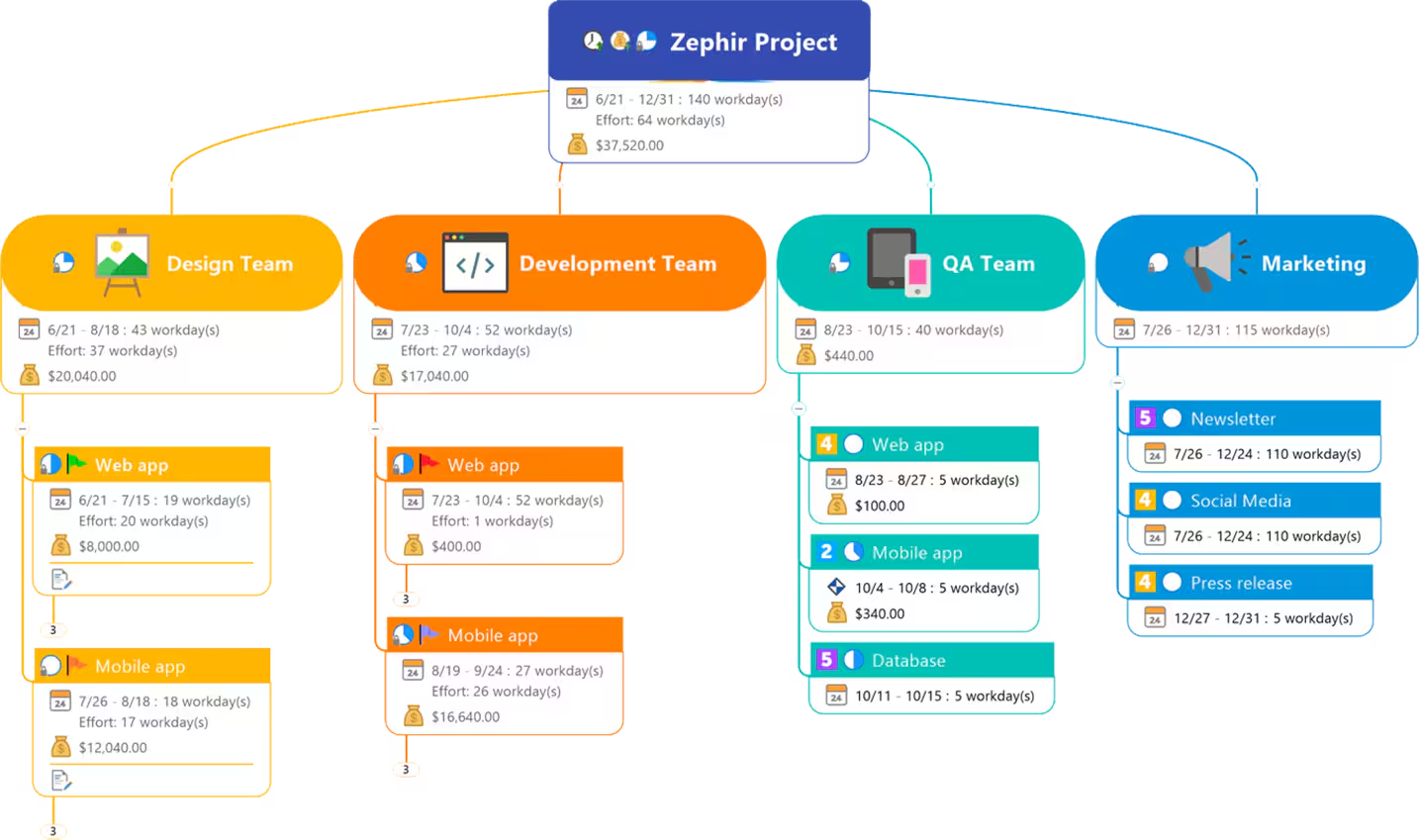
Mapping out a theory of change, planning a multi-stakeholder project, or untangling a complex program structure is easier to think through visually than in a linear document. MindManager gives program teams mind-mapping and project-planning tools in one place, useful for turning a messy planning conversation into a structure everyone can follow.
What MindManager does
MindManager is mind-mapping and diagramming software for visual planning, brainstorming, and project structuring. It combines diagram creation with basic project and task management, letting a team move from a visual brainstorm to an actionable plan within the same tool.
Key features
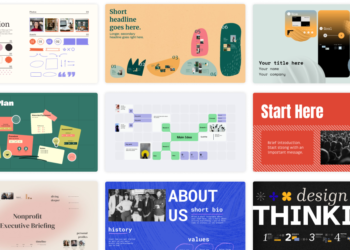
- Multiple diagram types: build mind maps, flowcharts, and org charts from a shared template library.
- Project and task management: attach tasks, owners, and timelines directly to diagram elements.
- Co-editing: collaborate on the same diagram with team members in real time (Professional plan).
- Content capture: pull in notes, links, and files directly into a diagram for centralized planning.
- Cross-platform access: use MindManager on desktop, web, or Chromebook depending on your team’s setup (Professional plan).
- Mobile app: view and edit diagrams from a phone through MindManager Go (Professional plan).
Pricing
MindManager prices its Essentials web-only tier starting from a published rate, with a higher Professional tier for full desktop and collaboration features.
| Plan | Price | Platform | Best for |
|---|---|---|---|
| Essentials | Starting at $99/year | Web only | An individual doing basic diagramming and planning |
| Professional | Reported around $179-199/year, or a one-time purchase option | Desktop, web, and Chromebook | A team needing co-editing and cross-platform access |
| Enterprise | Custom quote | Full platform | Larger organizations needing SSO and volume licensing |
Professional-tier pricing was not consistently published across sources at the time of writing; confirm the exact current rate and whether a one-time purchase option is still available directly with MindManager before purchasing. A 30-day free trial with full functionality is available on all tiers.
Pros and cons
| Pros | Cons |
|---|---|
| Combines visual mind-mapping with actual task and project management | Essentials tier is web-only, missing desktop access some teams prefer |
| 30-day free trial with full functionality lowers the risk of testing it | Professional-tier pricing was not clearly published, requiring a direct check before budgeting |
| One-time purchase option may suit organizations avoiding recurring subscriptions | Real-time co-editing, useful for distributed teams, requires the Professional tier |
Who it’s for
MindManager fits program teams that plan visually, mapping a theory of change, a multi-stakeholder project, or a complex program structure, and want that visual plan to convert directly into assigned tasks.
Who should skip it
If your team already has a dedicated project management tool and rarely needs visual mind-mapping specifically, MindManager’s planning features may duplicate what you already use.
How to get started
Start MindManager’s 30-day free trial with an actual planning session, such as mapping your next program’s theory of change, before committing to a paid tier.
FAQ
Can multiple team members edit the same mind map together?
Yes, real-time co-editing is available on the Professional plan, letting a team collaborate on the same diagram simultaneously.
Is MindManager available as a one-time purchase instead of a subscription?
A one-time purchase option has historically been offered alongside the subscription model; confirm current availability directly with MindManager.
Can I try MindManager before paying?
Yes. A 30-day free trial with full functionality is available across plan tiers.
Disclosure: Impact DOTS may earn a commission if you sign up for MindManager through the links in this article. This does not change what you pay, and it does not influence which tools we choose to cover.